My involvement
I worked on the whole CreativeKit SDK as a freelancer, including its broader visual composition and media-editing capabilities.
This case study focuses on photo and video carousels because that workflow brings several parts of the SDK together: scene modeling, canvas interaction, media handling, playback, and export. It is one example of my work across the SDK.
The problem
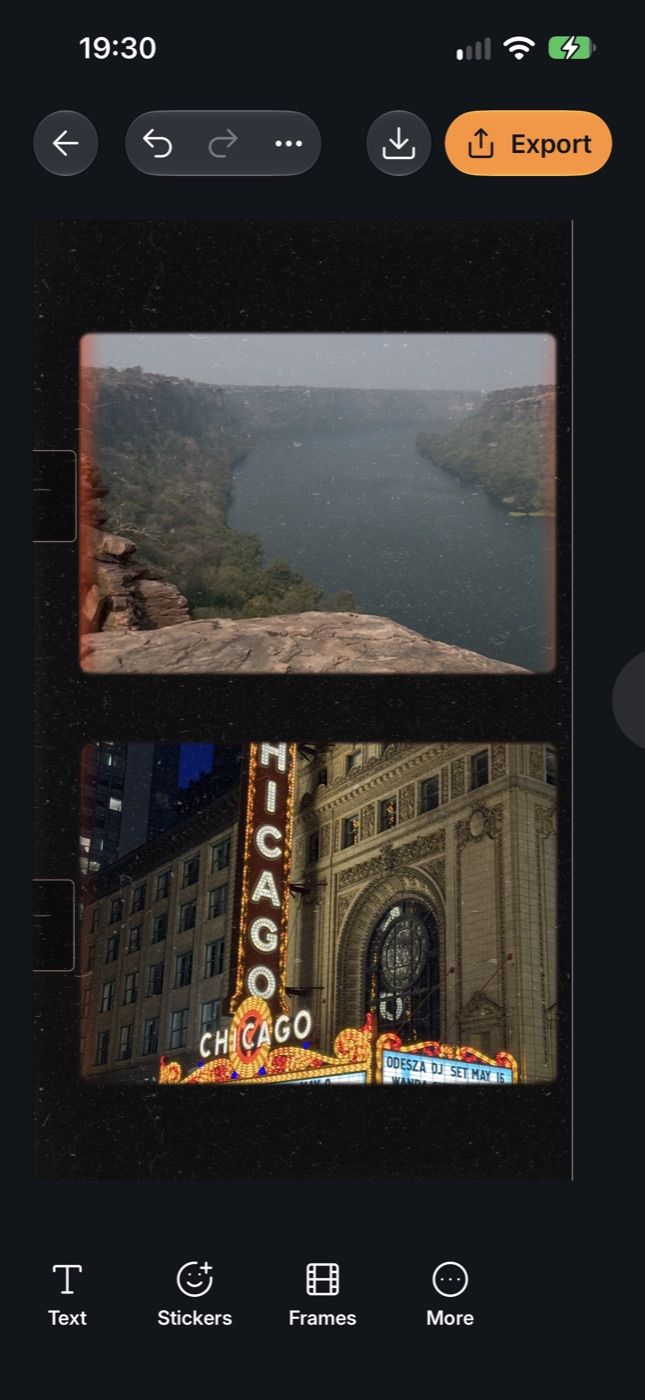
A photograph can stretch across two carousel pages. Text can overlap that photograph, and a video can occupy part of the same composition. Editing happens on a continuous canvas, but the finished carousel needs separate files in the right order.
That creates several connected problems. An object must appear on every page it touches. Its crop, position, and layer order must survive export. Static content must remain visible while a video plays. The editor also needs to manage the media resources associated with pages outside the viewport.
CreativeKit handles these responsibilities inside a scene-based SDK. The host app supplies the surrounding product experience, including navigation, media selection, and controls.
The product using the SDK
A spanning object stays one editable object
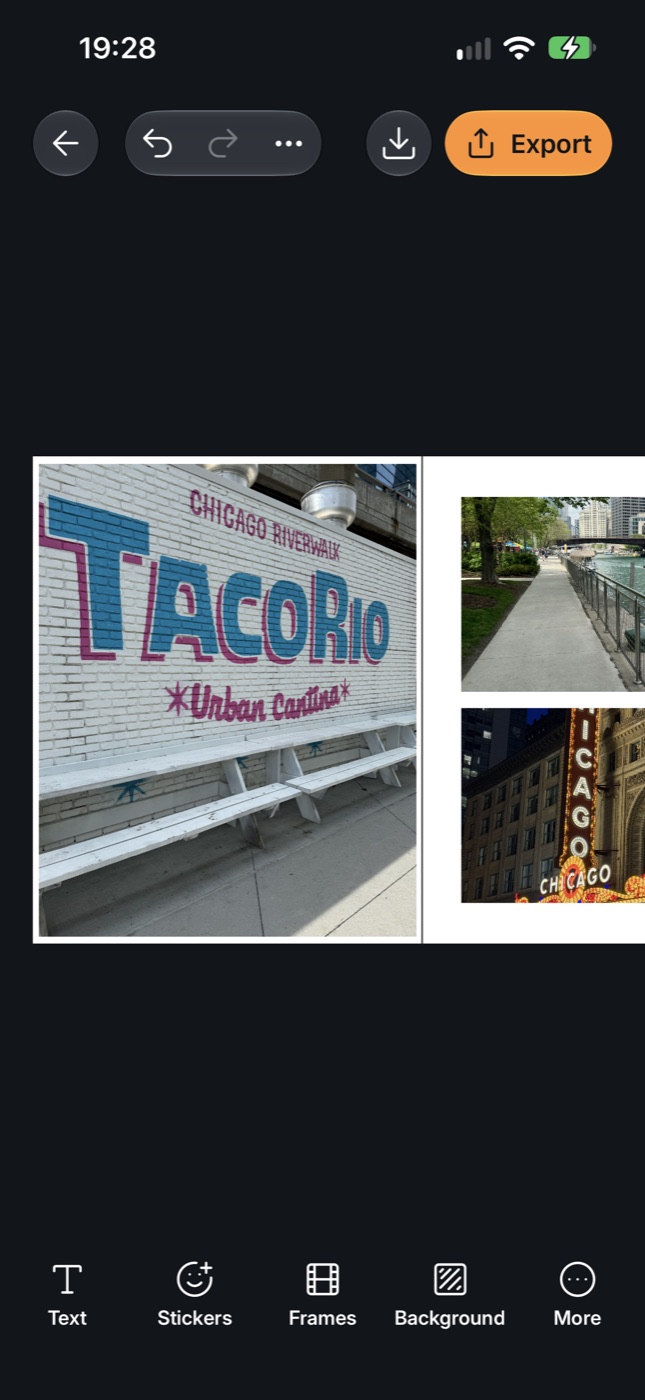
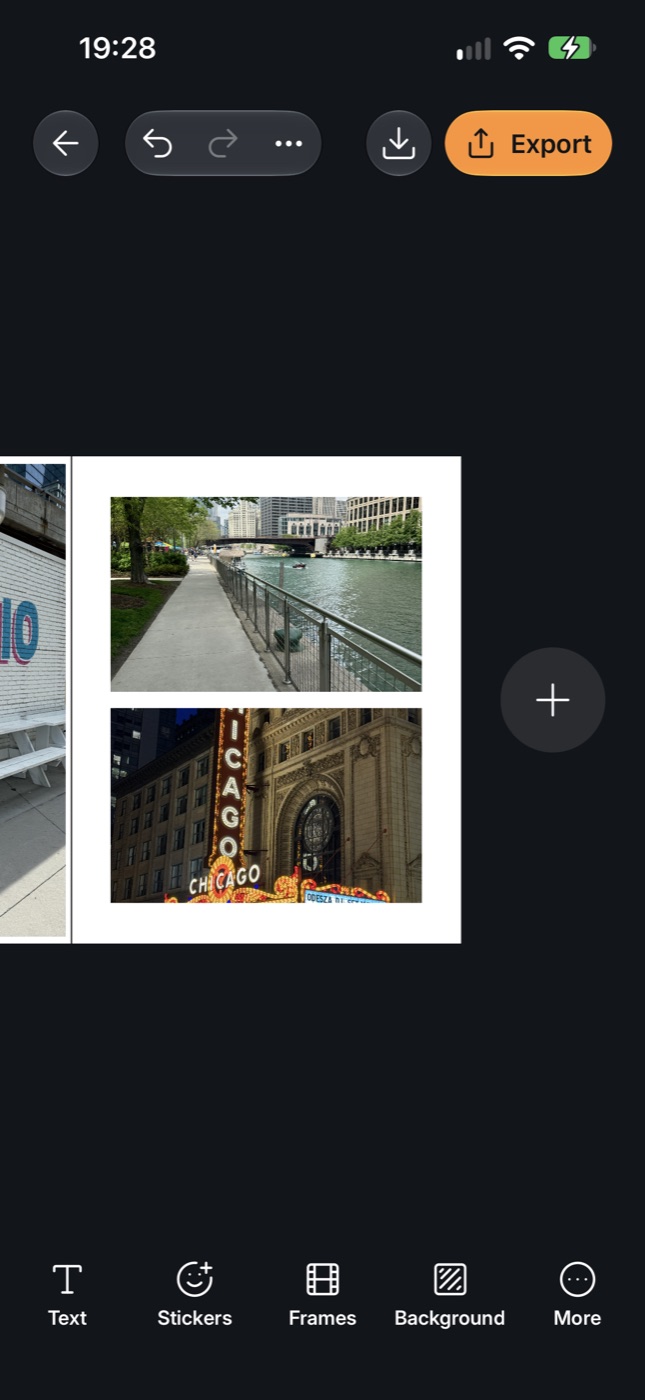
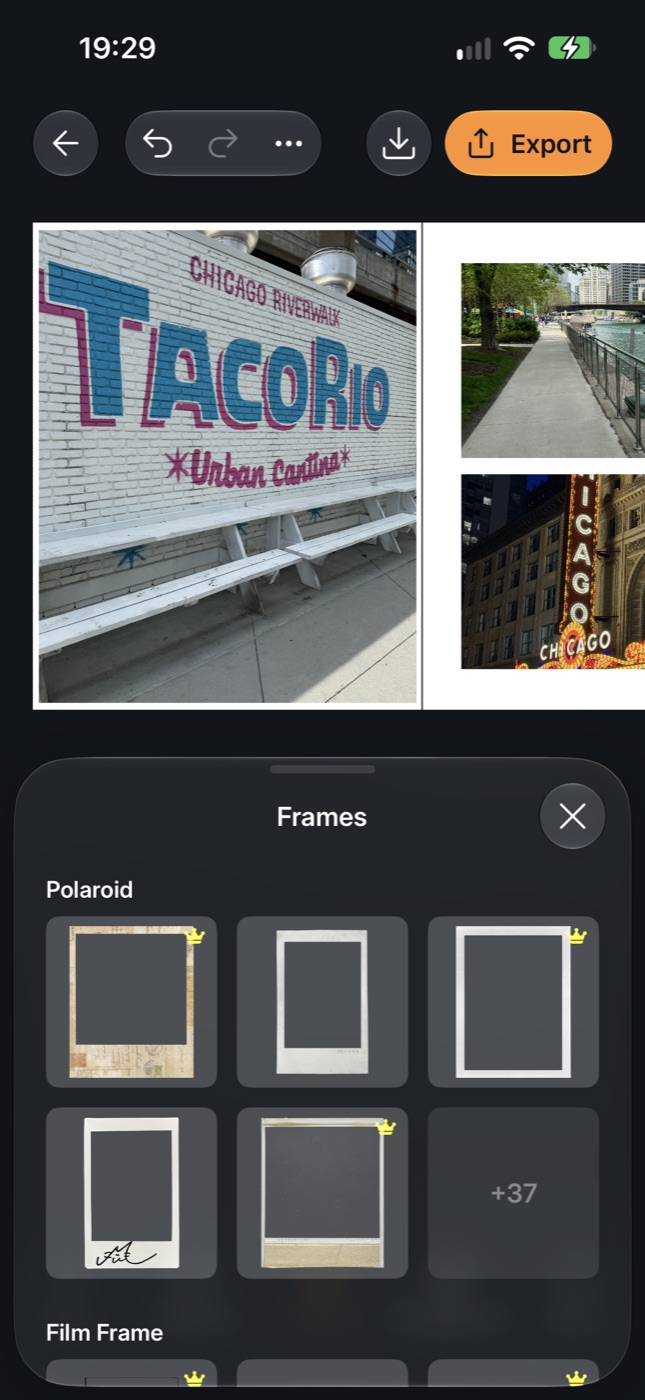
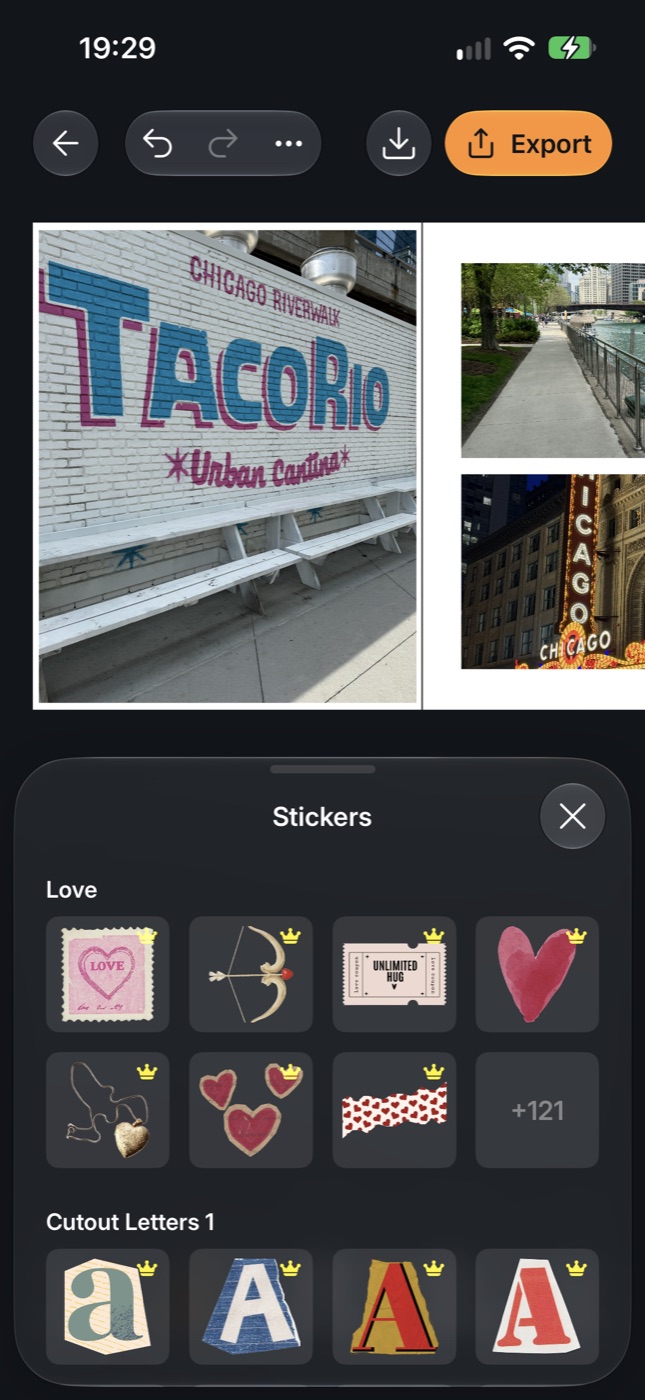
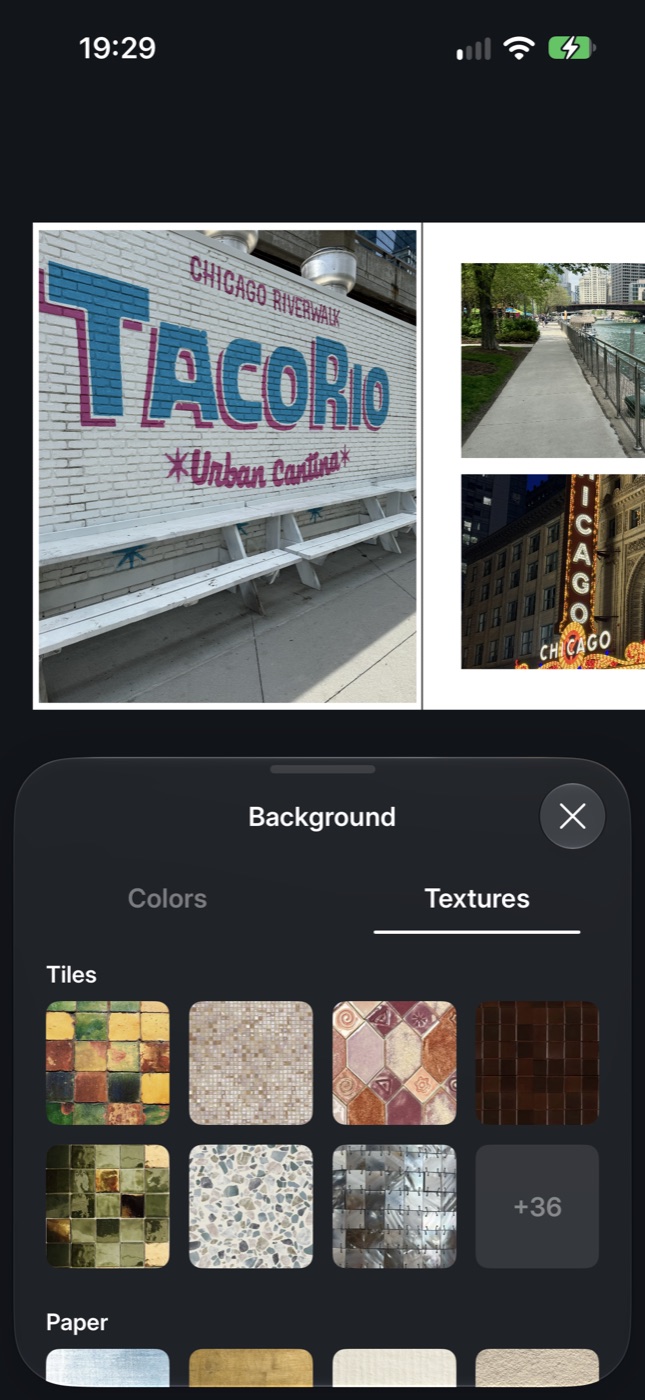
Consider a photo placed halfway across a page boundary, with text layered above it. The photo may belong structurally to one page, but it is visible on both. Exporting only the objects owned by each page would omit part of the composition.
The SDK separates structural ownership from visual intersection. It builds a scene-wide drawing order, then selects the objects intersecting each output page. Each selected object receives coordinates relative to that page and a clip rectangle at the page boundary.
The photo remains one object in the editable scene. Export creates the necessary per-page representations while preserving the drawing order. Moving or cropping the photo therefore operates on a single source object.
This also applies to video. A video crossing a page boundary contributes to both outputs, and both pages become video outputs.
Each page gets an output type and duration
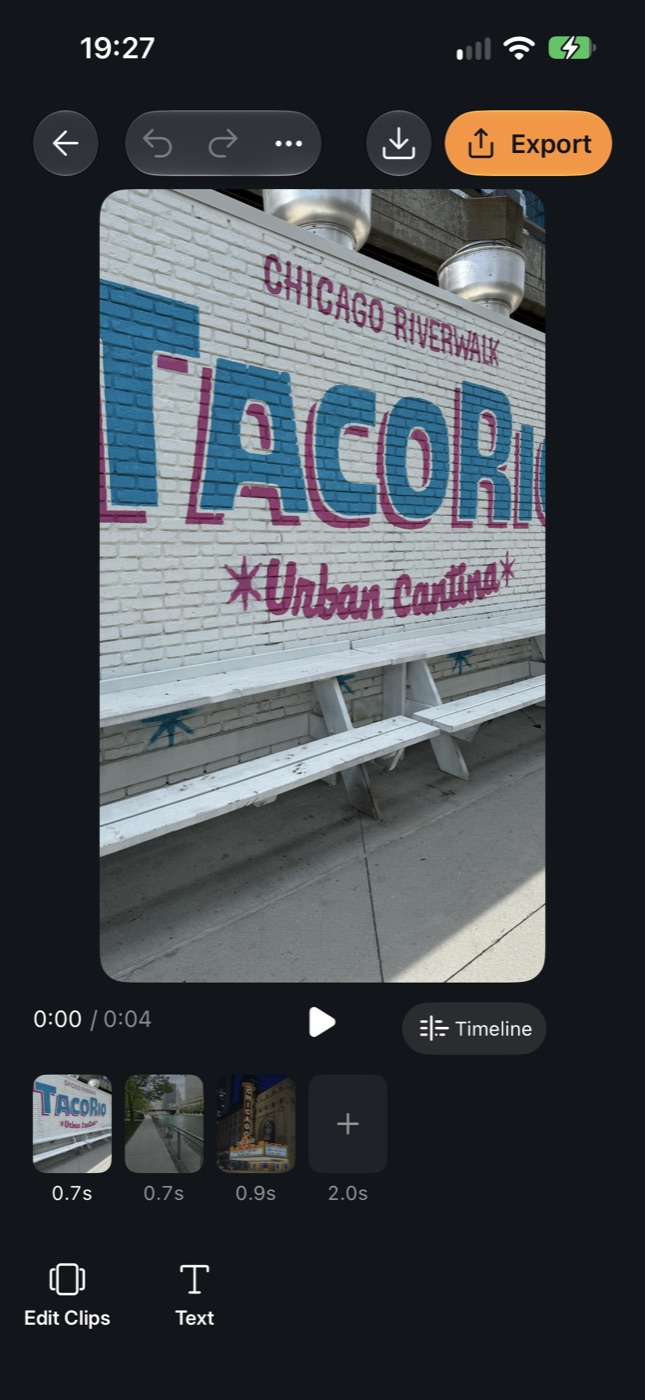
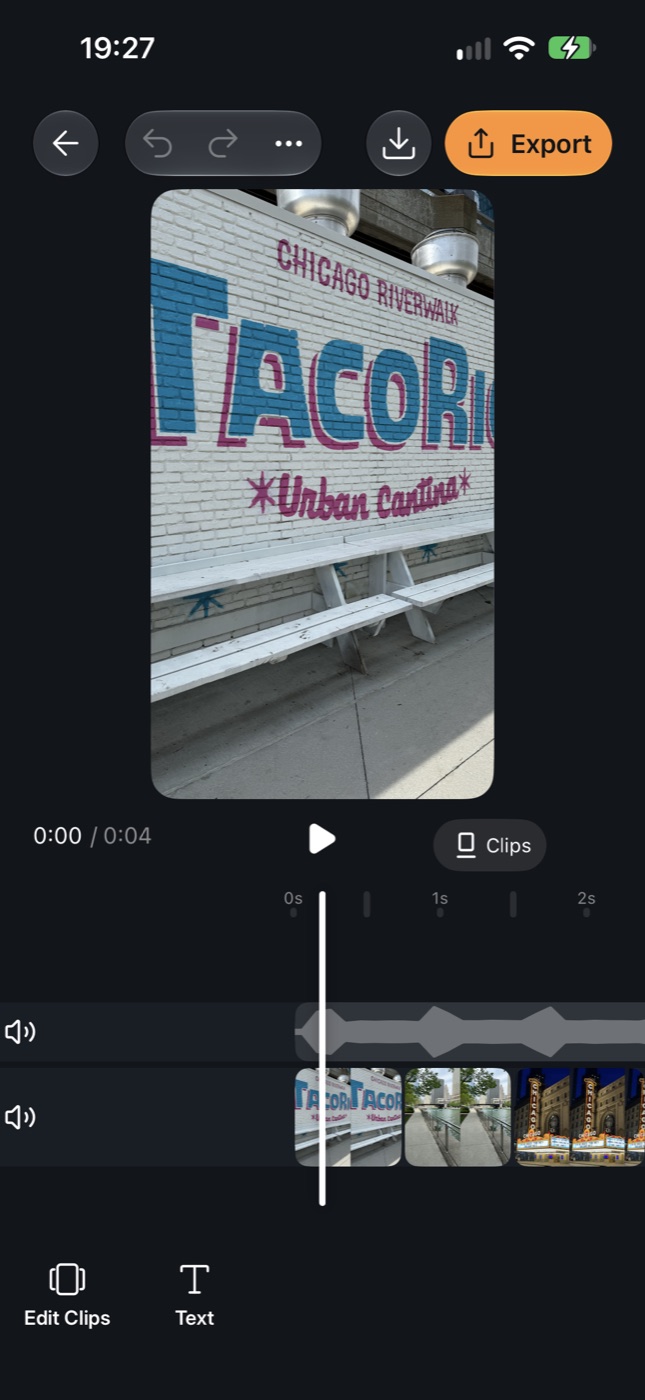
A page containing only static content exports as an image. A page containing video or an animated drawable exports as video.
The duration rules matter as much as the file type. In multi-page mode, video length comes from its trim and playback speed. Static elements span the output duration. Shorter video clips loop to fill the page's longer output window.
Consider an eight-second video alongside photos and text carrying five-second timing values from the authored scene. Applying those values as visibility windows would make the static content disappear before the video ended. Multi-page playback ignores that residual block timing, and export derives the required windows from the actual content.
Editor playback has its own interaction policy: starting a different video pauses the previously active video. Final video export composes the page's media according to the export plan.
Media resources follow the viewport
The SDK classifies content into visible, prefetch, standby, and evicted zones. The prefetch zone extends one page width beyond the viewport horizontally; standby extends two.
For still images and video posters, visible and prefetched content requests the original-resolution tier. Standby content uses thumbnails, and evicted content releases its image. Video residency follows the spatial zones: nearby videos can have players attached, while more distant videos release them. Leaving the visible area also signals playback to pause the affected video.
The player implementation reuses AVPlayer instances and rejects stale asynchronous attachment results. If a source finishes loading after its block has been released or replaced, that result cannot attach itself to the newer state.
Prefetching keeps nearby media ready at the cost of retaining additional resources. Farther away, thumbnails and eviction reduce that cost; returning to those pages requires loading media again.
Export coordinates state and playback
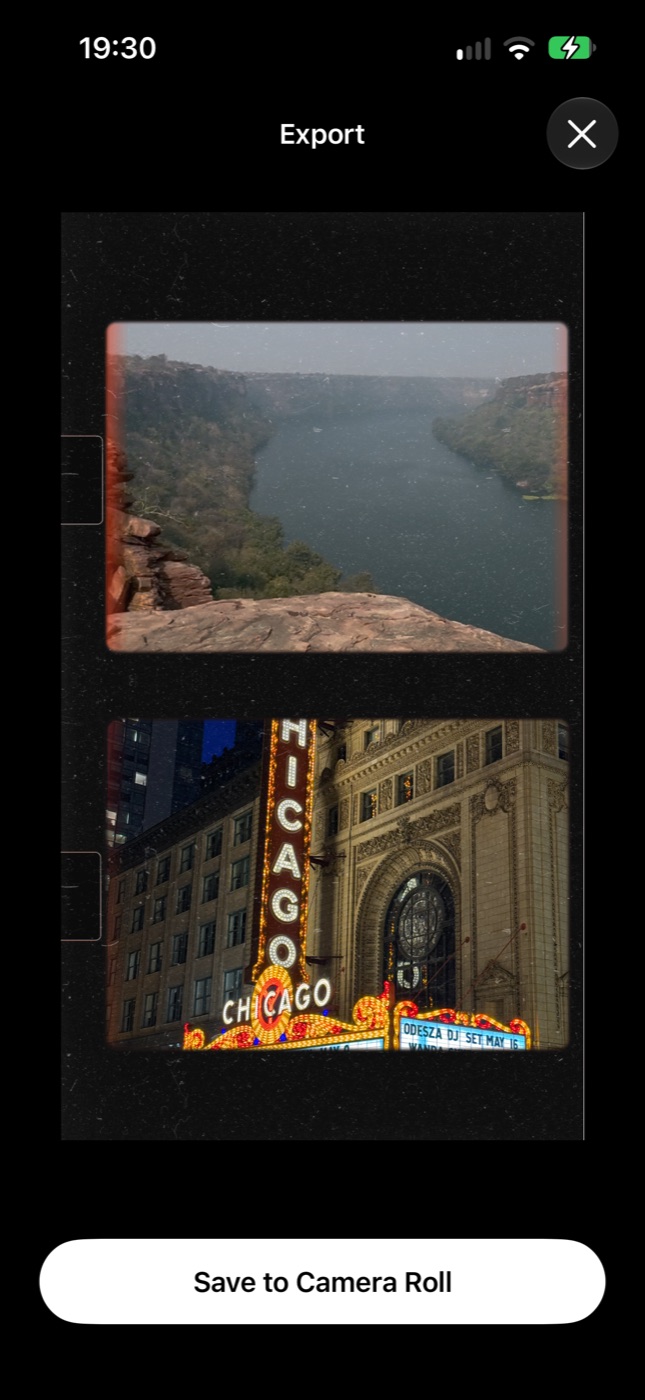
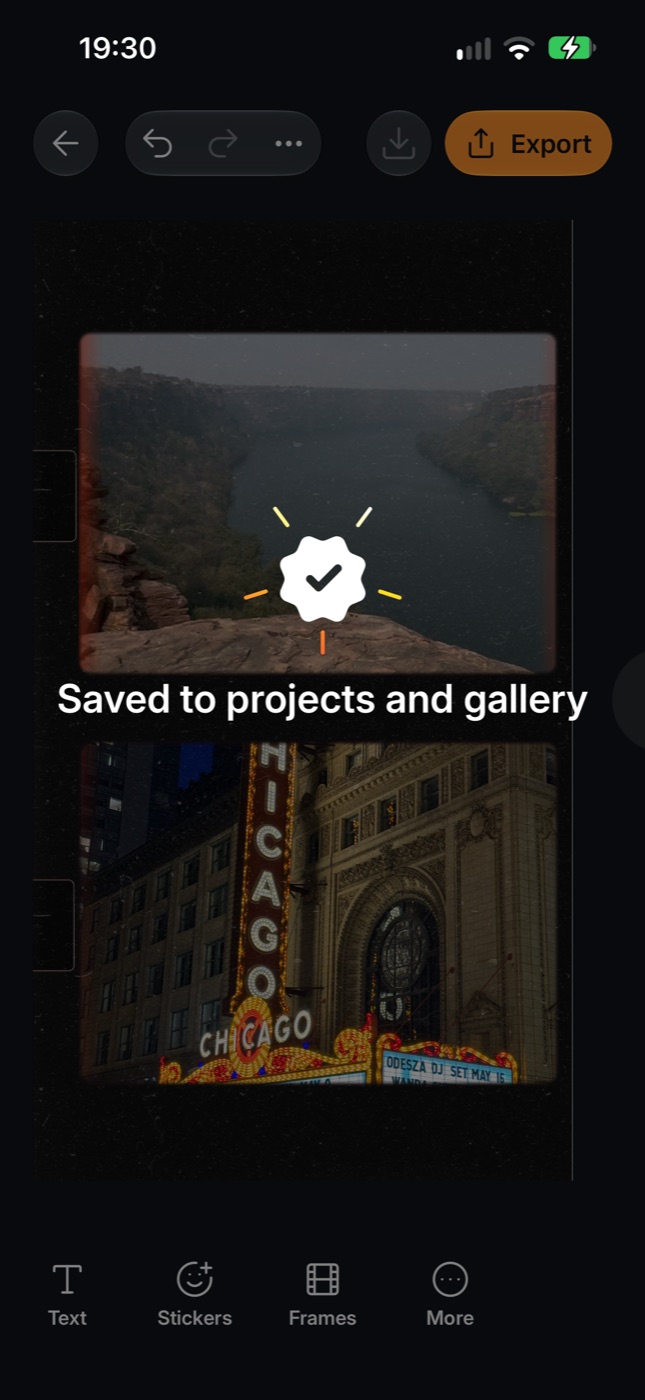
Export captures the scene and its revision together. That snapshot supplies the export plan and the associated best-effort draft save, so both refer to the same editing state. Rendering proceeds off the main actor using the immutable plan.
- 01Editable scene
Capture a scene snapshot.
- 02Export plan
Plan the output from that snapshot.
- 03Media files
Individual pages or a panning video.
Preview playback and export compete for the device's media resources. During export, the SDK freezes playback and releases preview decoders. Cleanup runs on success, cancellation, and failure. The session returns paused at the previous playhead; in multi-page mode, the next play request reattaches the required player.
That is an explicit tradeoff: preview playback pauses while the export pipeline uses those resources. The SDK also permits only one export at a time per session.
Two ways to deliver the composition
The same scene supports ordered, per-page HEIC images and MOV videos, or one video that pans across the entire strip.
For the panning output, the exporter projects content into strip coordinates. A spanning object appears once in that projection, and the output window moves across the composition. The creator can turn the carousel into a continuous video without rebuilding its layout.
Delivery
My freelance engagement on CreativeKit is complete, and the SDK is used in Zaps. The SDK provides an interactive canvas, photo and video adjustments, animation and playback, local drafts, undo/redo, and still/video export.
For the carousel workflow, those capabilities connect a continuous editable composition to ordered media files and a panning-video output. The host app builds its navigation and controls around the SDK's editing and rendering capabilities.
Building a creative product?
I work with teams on native editors, media pipelines, and iOS SDKs.
Discuss a creative-tools project